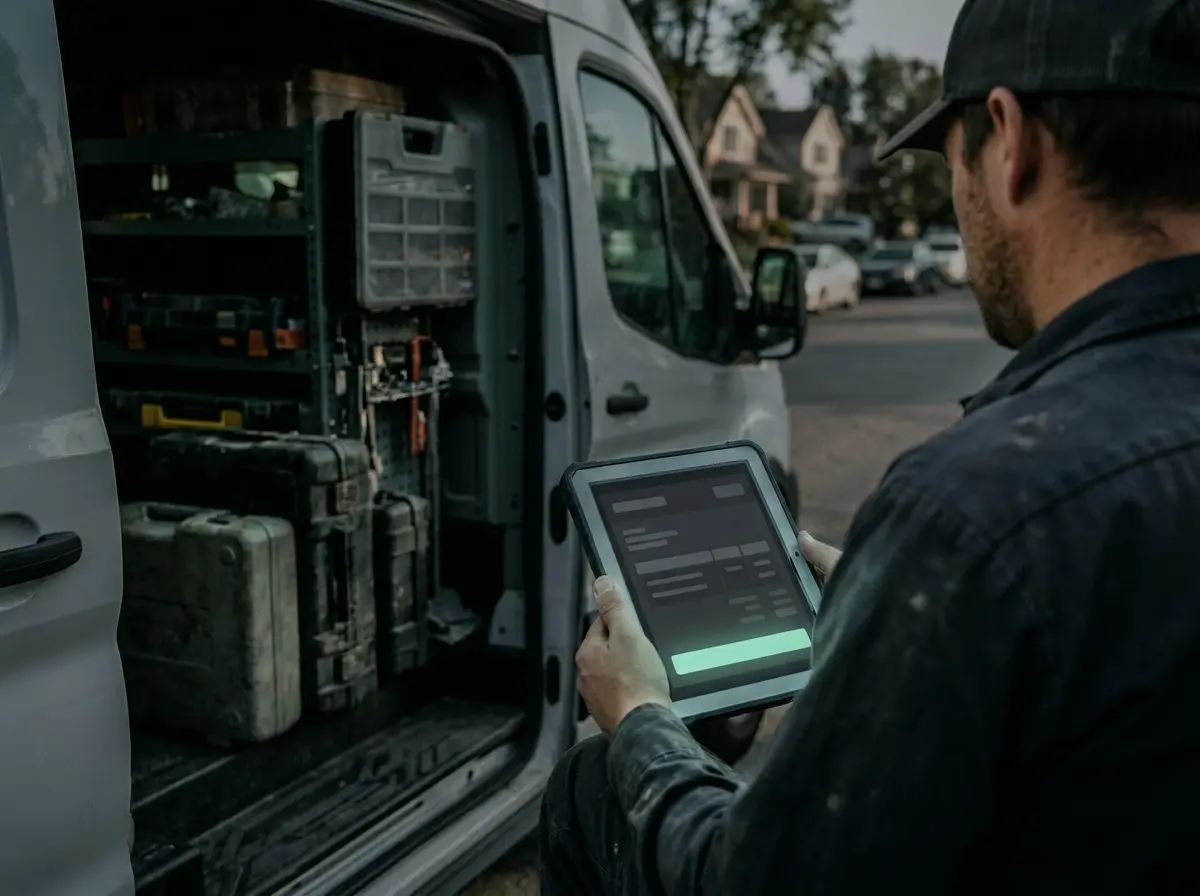
Choose a workflow.
The three lists play through by themselves. Click a title to open the workflow with every step in detail.
- runs by itself
- You approve
- done by your team
- done by your customer
From enquiry to quote
A call, email or form becomes an enquiry and then a draft quote.
- Enquiryruns by itself
- Recordruns by itself
- Draftruns by itself
- ApprovalYou approve
- Acceptancedone by your customer
- Appointmentruns by itself
From job to invoice
Visit, report, invoice, payment and accounting in one chain.
- Visitruns by itself
- Reportdone by your team
- Invoiceruns by itself
- Paymentruns by itself
- Reminderruns by itself
- Accountingruns by itself
From job to recommendation
Ask for a review, publish a reference project, remind existing customers.
- Completionruns by itself
- Reviewruns by itself
- Reference projectruns by itself
- ApprovalYou approve
- Publishruns by itself
- Follow-upruns by itself
What applies to every workflow.
Automatic does not mean unchecked. We build these three rules into every workflow.
You set the rules
You decide what may go out by itself and what you want to see first. The usual set-up: reminders by themselves, prices and commitments after your approval.
Every step can be traced
The tool keeps a record of what happened and when. You can pause any workflow at any time and take over individual cases by hand.
Anything unusual comes to you
The software does not decide on anything that fits no known pattern. The case is put in front of you with a short summary.
Which workflow costs you the most time?
The digitalisation check shows you in three minutes. Or tell us about it.
Book a consultation