Your whole business in software of your own.
Calls, quotes, invoices, marketing and website all run through a single tool.
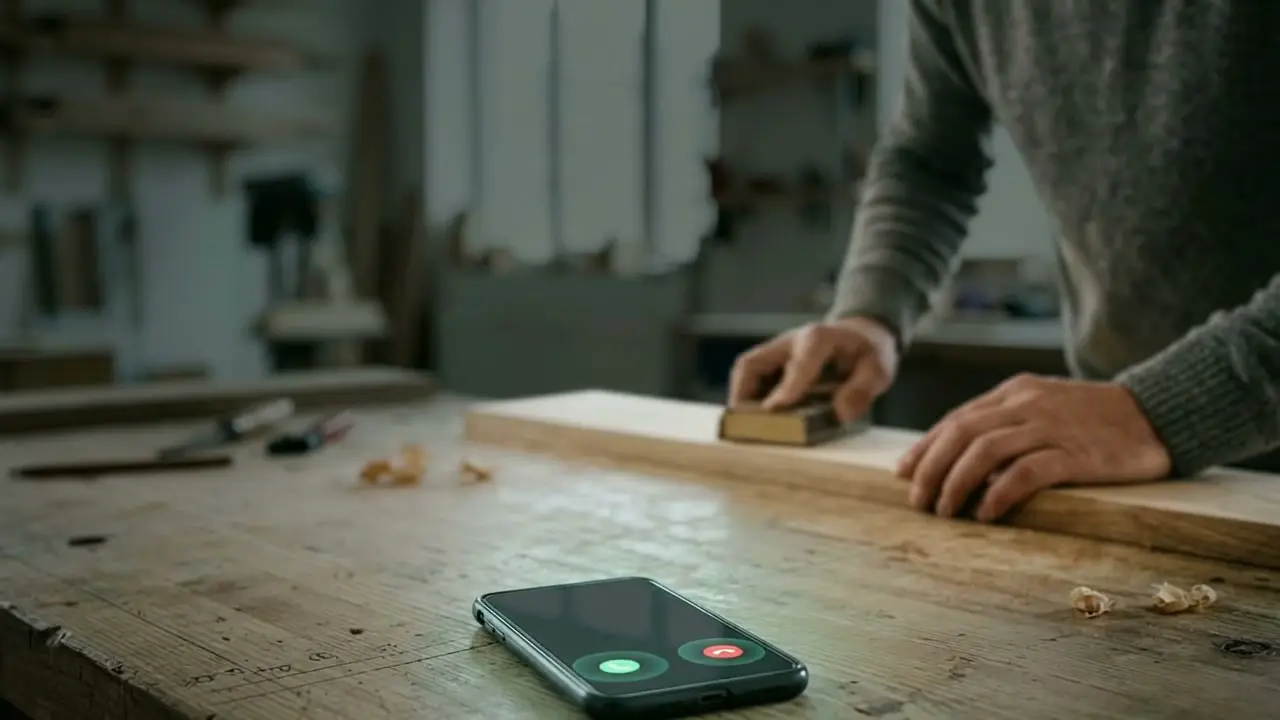
1 of 6Ms Example calls while you are on site. The assistant answers and creates the job.
dstech builds software for businesses without an IT department.
We are a software company based in Vienna. For trade businesses, sole traders and small firms, we build a tool of their own that brings together office, site, customer contact, marketing and website.
To do that, we automate workflows, connect the programs you already have, and use AI where it takes work off your hands. Anything that goes out to customers is approved by you. In the end, everything carries your logo, your colours and your own wording.
- Who for
- Businesses with 1 to 20 staff, mainly trade and commercial businesses
- How
- In stages: we start with one workflow and expand once it has proved itself
- Where
- Vienna, for businesses across Austria

Six services that belong together.
You can start with one. Because everything works on the same data, each further building block fits in.
Custom software
Customers, quotes, jobs, hours and invoices in one tool instead of five programs.
Automation
Whatever repeats every week runs by itself: the job becomes the invoice, the unpaid invoice becomes the reminder.
AI assistants
An assistant answers calls, records enquiries and prepares quotes. You check and approve.
Integrations
Accounting, bank, calendar and suppliers are connected so that nobody enters anything twice.
Marketing
Review requests, reference projects and posts are created from what is already in the job.
Website
A modern website that you keep up to date from the same tool.
How to read this: The video on the left shows a job from the first call to the reference project on the website. Each of the six services takes on one step in it. See the story with the film
Data protection under GDPR (German: DSGVO): a written data processing agreement, storage location and deletion periods agreed, the AI prepares, you approve. Find out more
The same working day, before and after.
Six tasks that currently depend on you. Switch between “Before” and “After” and read line by line what changes.
See the full comparison
- Call while you are workingMissed, call back in the eveningby hand
- QuoteWritten at the weekendby hand
- AppointmentThree calls back and forthby hand
- Report from siteTimesheets, photos on personal phonesby hand
- InvoiceEverything typed up at month endby hand
- Review and reference projectNo time for itby hand
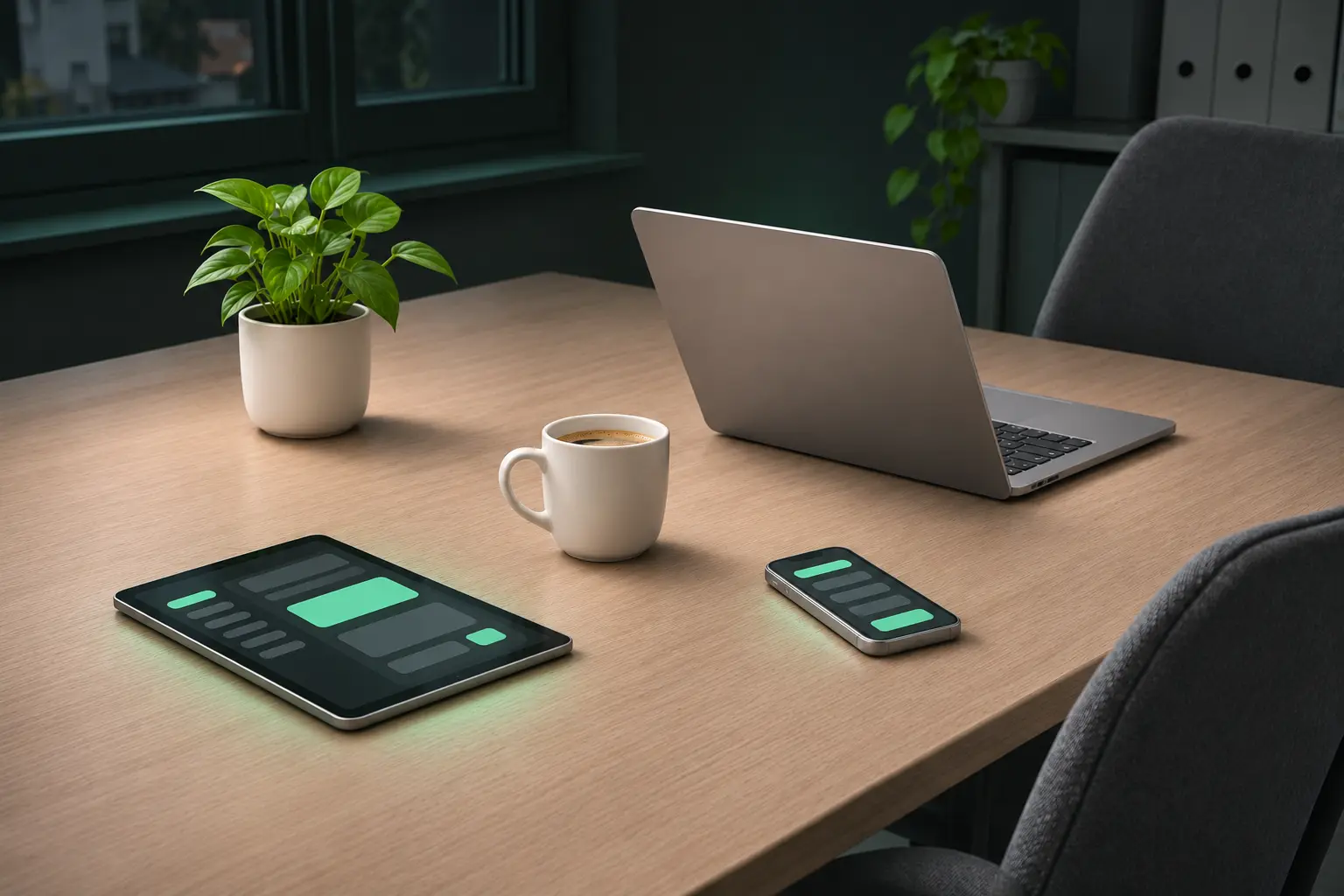
How to read this: Orange means someone does this by hand today. Green means it runs by itself. White means you approve this step. The photo below shows the same desk. Drag the slider to compare.
Where do you start?
You do not have to change everything at once. Choose an area and use the dial to set how far you want to go.
- Office
- One area
4 workflows then run by themselves
The first workflow has proved itself. Now the steps before and after it are added.
- Quotes are built from your price list
- Invoices are built from the job
- Payments are matched to the job
- Unpaid invoices send their own reminders
You receive a quote for each stage, after the initial consultation.
What businesses ask beforehand.
What does a custom solution cost?
That depends on the scope. After the initial consultation you receive a proposal in stages, with a quote for the first stage. That way you decide after each step whether and how to continue.
Do we have to give up the programs we use now?
In many cases, no. We connect accounting, calendar or email through integrations. We only replace what you maintain twice today.
What does everything in one tool mean?
Office, site, customer contact, marketing and website all use the same data. A job is created once and carries through from the enquiry to the reference project on your website.
How far does your own branding go?
As far as you like: your logo, colours and terms in the software, your layout on quotes and invoices, your web address on the customer portal and the same look on your website.
Aren't we too small for this?
No. We work for sole traders and businesses with only a few employees. Those are exactly the businesses with nobody to handle the phone, quotes and invoices on the side.