What runs differently after automation.
Invoice
Done in a batch at month endCreated on completionPayments
Chasing unpaid invoices by phoneReminder on a scheduleAppointments
Ringing the day beforeConfirmation and reminderServicing
A list in the calendarAppliances due for a service flag themselves
3Chapter 3 of 6: After the final visit
The job becomes the invoice.
Once the work is done, the hours and materials become a draft invoice. You check it while still at the van and approve it with one tap. If the payment does not arrive, the tool sends a reminder by itself.
The whole story in six chapters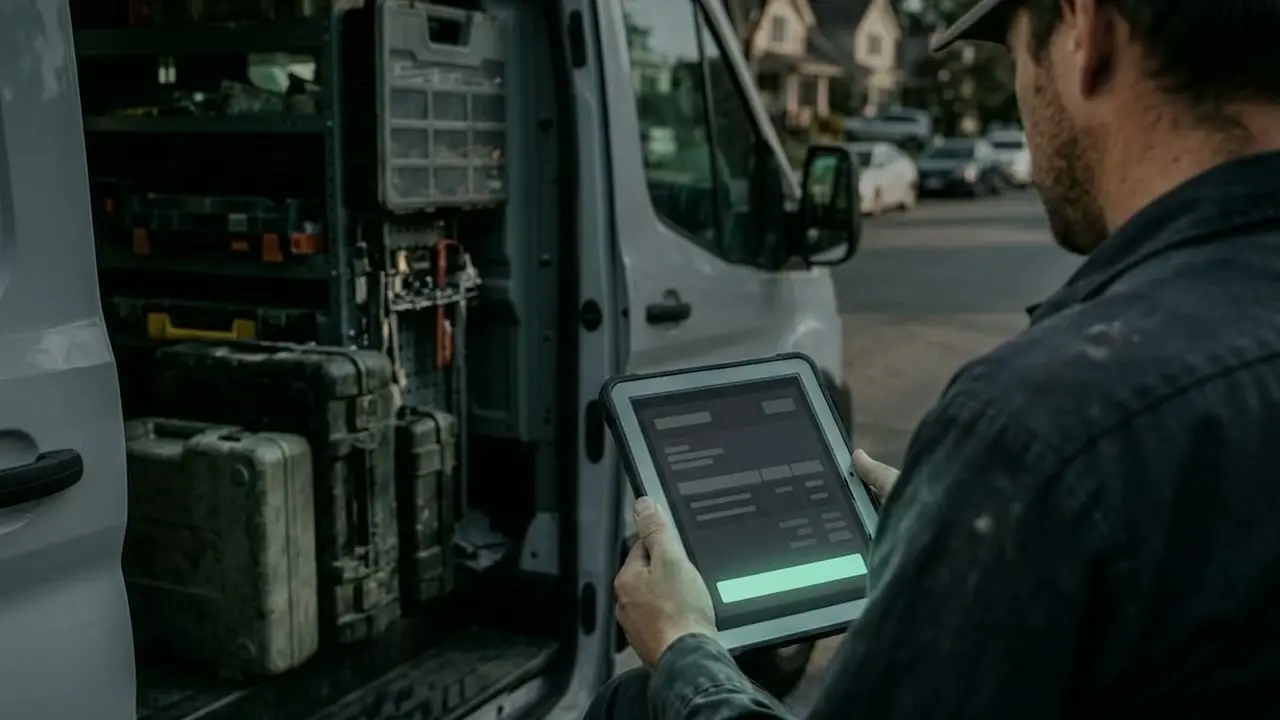
A job that invoices itself.
Six steps, one of which your team does on site.
The visit is on the phone
- Until now
- Address and task by word of mouth
- Now
- Address, task and materials in the app
- Location
- Beispielgasse 12, Vienna
- Task
- Gas boiler service
- Materials
- Seal kit
How to read this: The workflow plays by itself. On the left you see how the step was done until now and how it runs today. On the right you see what the tool shows at that point. Tap a step to pause on it.
What can typically be automated.
Job to invoice
Times, materials and the report flow into the invoice.
Chasing payments
A reminder goes out by itself, a formal reminder after your approval.
Customer contact
Confirmation, reminder and a request for a review.
Weekly report
Turnover, open quotes and workload every Monday.
Data protection under GDPR (German: DSGVO): a written data processing agreement, storage location and deletion periods agreed, the AI prepares, you approve. Find out more
What businesses ask about this.
Where is the best place to start?
With the workflow that comes up most often and takes the most time. Usually that is the route from finished job to invoice, or appointment reminders.
What happens if an automation goes wrong?
Every step is logged. You can see what happened and when, and you can pause individual workflows at any time. For sensitive steps we build in an approval.
Does this make sense for a team of three?
Yes. Small businesses in particular have nobody to take care of these chores on the side. We start with a single workflow and extend it once it has proved itself.