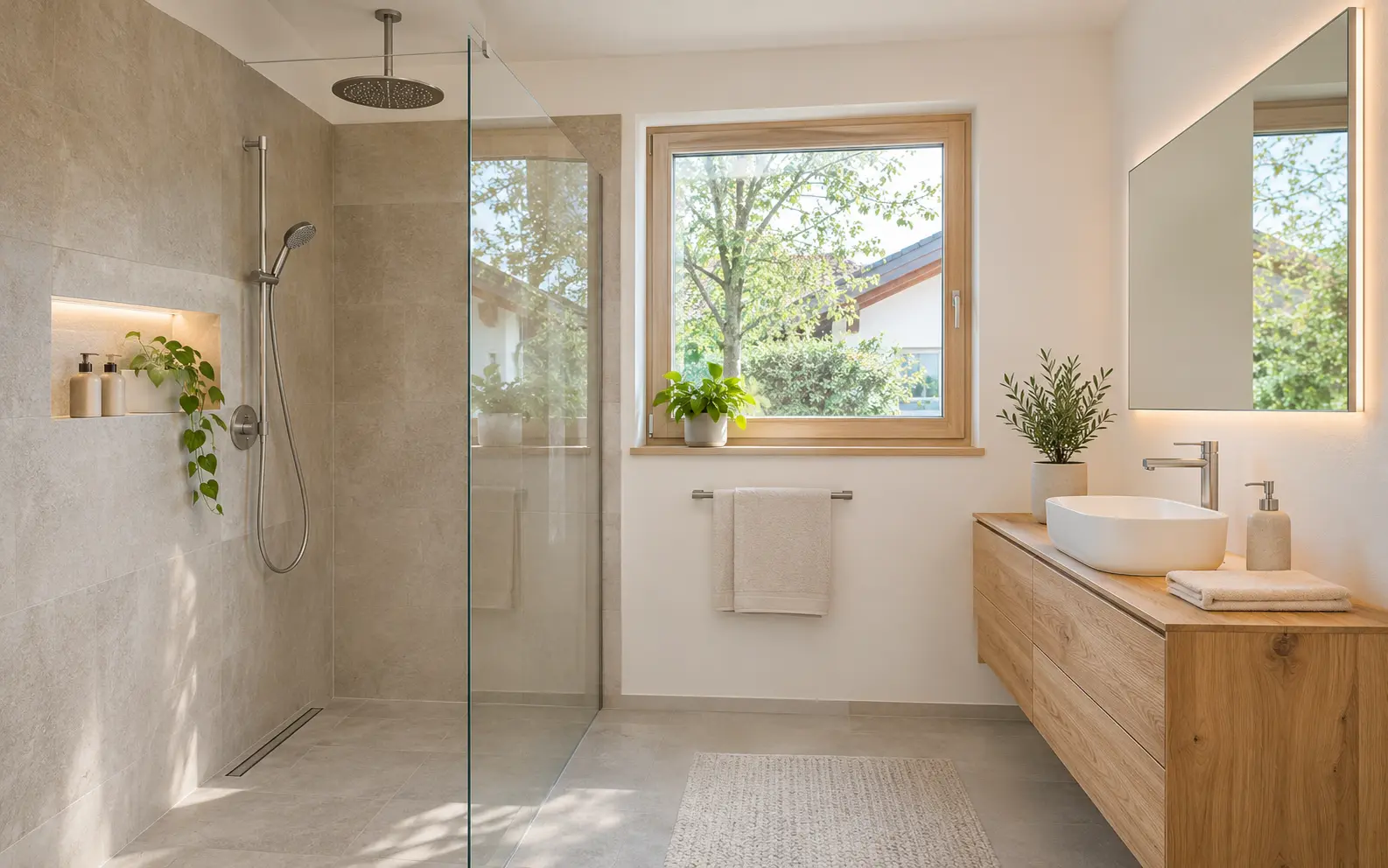
 Bathrooms in ten days.Request an appointmentNew reference projectBathroom renovated in ten days
What changes about your website.
How current
As it was years agoChanges with the businessReference projects
Three old photosCome from your jobsEnquiries
Form lands in the inboxBecomes an enquiry straight awayLook and feel
Off-the-shelf site builderDesigned for your business
6Chapter 6 of 6: One week later
The next customer finds the bathroom on your website.
The reference project sits at the top of your website, in your colours and with your logo. A new prospect sees the bathroom and sends her enquiry. And so the story starts again.
The whole story in six chapters
One switch and the website is up to date.
Try it out: the tool in your office on the left, the website on the right.
Bathrooms in ten days.Request an appointmentNew reference projectBathroom renovated in ten daysHow to read this: The three switches on the left stand for the tool in your office. Flip one and the example website on the right changes at once. To see how your own site could look, try the preview.
What the website includes.
Design
A look that suits your business.
Control
You change the content in the tool.
Enquiries
Forms and appointment requests arrive in the office.
Being found
Fast pages, clean code, local search.
Data protection under GDPR (German: DSGVO): a written data processing agreement, storage location and deletion periods agreed, the AI prepares, you approve. Find out more
What businesses ask about this.
We already have a website. Does it have to be rebuilt?
Not necessarily. If it is technically sound, we connect it. If it is out of date, a new site that is linked to the tool from the start is worth it.
Can we decide for ourselves what is managed from the tool?
Yes. You decide which sections are fed from the tool: only the reference projects, services and opening hours as well, or all of the content.
Is the website shown a real customer project?
No. It is an example with a made-up business. You can see what your own site could look like in the preview, using your own web address.