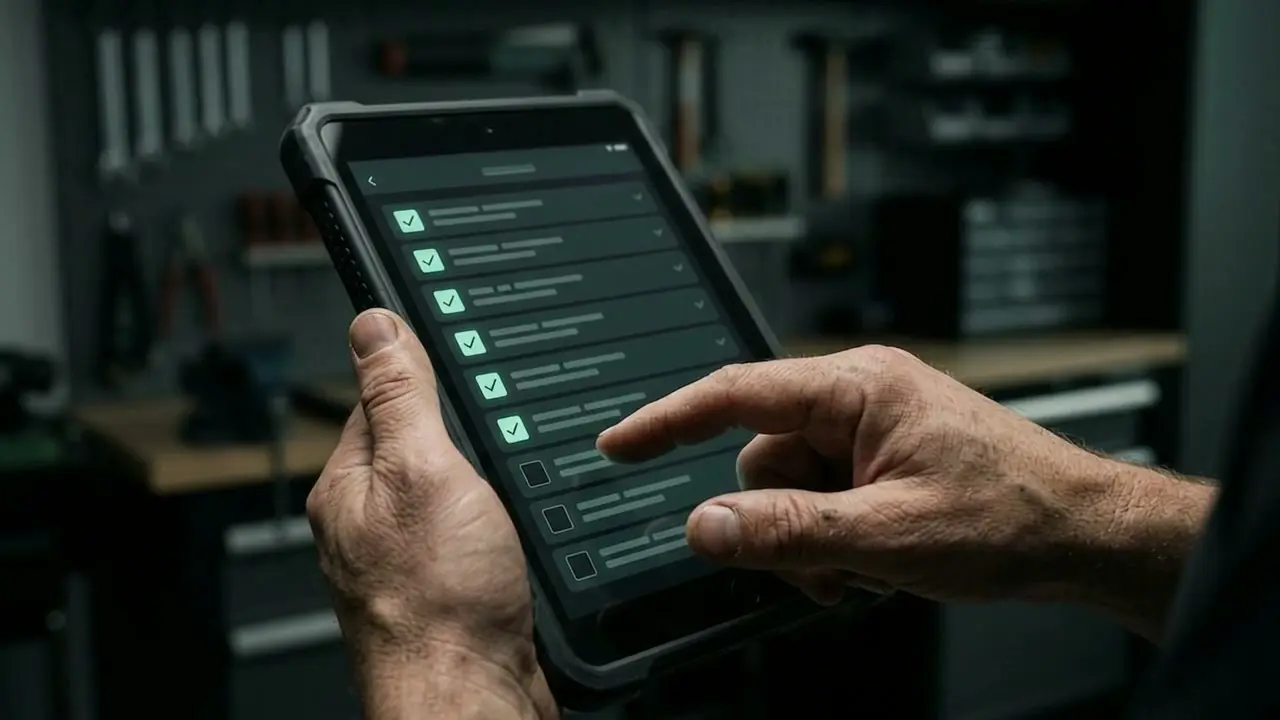
What the check asks
The check takes you through a working day in ten questions: how enquiries come in, how often calls are lost, how quotes and appointments are produced, how invoices, payment reminders and receipts are handled, how work on site is documented, how hours are recorded, how many programs run side by side, and whether you ask for reviews.
Each question has three or four answers. Choose the one closest to your day-to-day reality, not the one you wish were true.
Why this order?
Each answer scores zero to three points for one of eight areas. Three points mean a lot of manual work, zero points mean it already runs by itself. Two areas are fed by two questions each: enquiries (channels and missed calls) and invoicing (invoices and time recording). So that no area is favoured, the check divides the points by the highest possible score for that area.
The three areas with the highest share appear in the result. In a tie, they follow the order of the working day. Below them are the answers that led to the result. There is nothing more behind it, and no hidden weighting.
An example
Someone who misses calls every day, writes quotes in Word in the evening and saves up invoices until the end of the month gets enquiries, quotes and invoicing as their result. Someone who already uses a program for quotes and invoices, but maintains four programs side by side and never asks for reviews, sees connecting programs and reviews at the top.
What the result is not
The check is a guide, not an expert assessment. It knows neither your order book nor your team. It tells you where, according to your answers, the most manual work is, not what a solution costs. That is enough to prepare for a conversation: afterwards you know which workflow is worth talking about first.
You can see the workflows in detail on the page Workflows. The Time savings calculator works out how many hours are behind them. What applies to trade businesses in particular is on the page for the trades.
Frequently asked questions
Why is there no percentage score?
Because a figure like “62 per cent digital” says nothing about where you should start. Instead, the check ranks the areas where, going by your own answers, there is the most manual work.
Are my answers stored?
No. The check runs in your browser. If you copy the link, your answers appear as digits in the address and nowhere else.
How do I get the result as a PDF?
Use the “Print result” button. In the print dialogue, choose “Save as PDF”.