What the QR code is for
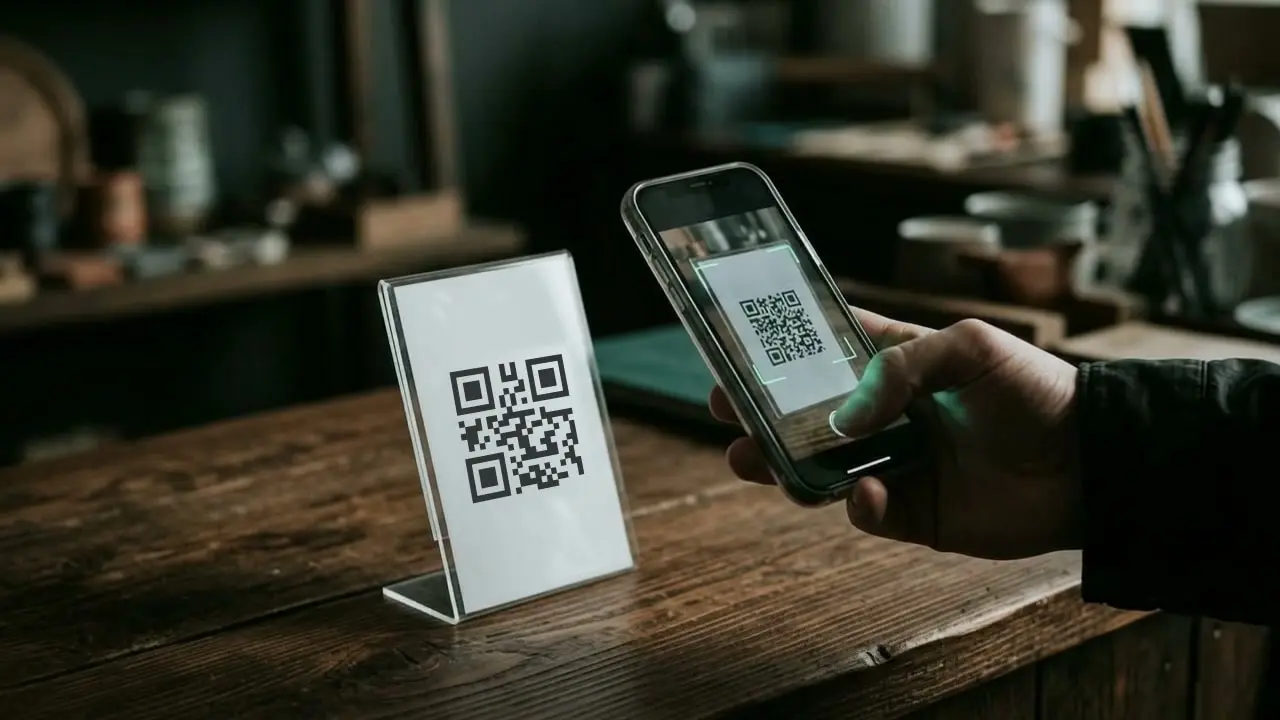
Happy customers are glad to leave a review when it is easy. A QR code on the invoice, the delivery note, a card or the company van takes them straight to the review form with their phone camera. Nobody has to search for your business first.
How to create the code
- Get your review link. In your Google Business Profile, the reviews section gives you a link for asking for reviews.
- Paste the link. The code is generated instantly, right in your browser.
- Download or print. PNG for Word and email, SVG for the print shop, the A6 card for the office printer.
- Test it. Scan the code once with your own phone before you send it to print.
Where the code works best
- On the invoice, right below the total
- On a card your team hands over after the job
- In the email you send with a quote or an invoice
- On the company van and in the showroom
Only ask customers for a review if they have really bought from you, and do not offer anything in return. Google's guidelines require both.
If you want it to run by itself
A card is a good start. It gets even easier when the request for a review goes out automatically as soon as a job is completed. For a step-by-step view, see the workflow from job to recommendation. For everything else that runs through the same tool, see Marketing.
Frequently asked questions
Where do I find my review link?
In your Google Business Profile, the reviews section has an option for asking customers for a review. It gives you a short link, which you paste in here.
Does the QR code ever expire?
No. The code contains only your link, with no detour via a third-party service. As long as the link is valid, the code works.
Is my link stored?
No. The code is generated in your browser. Nothing is stored and nothing is transmitted.