What the template is for
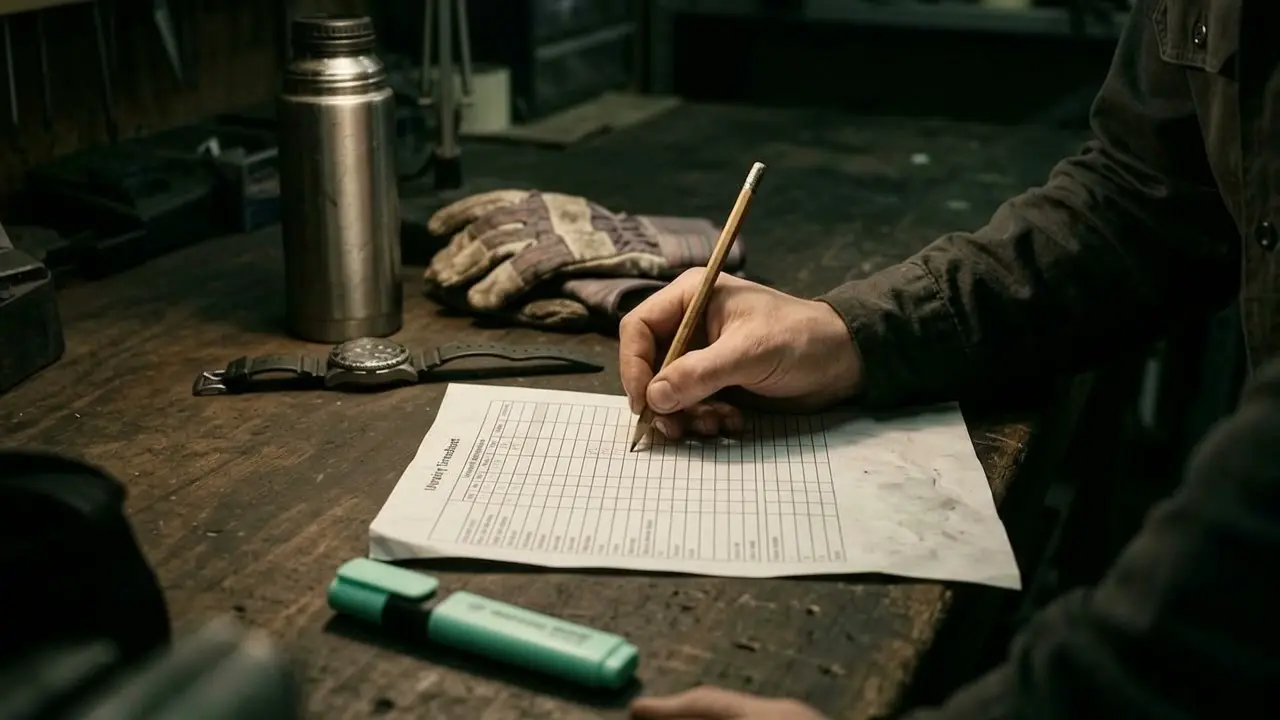
The timesheet records who worked on which site and when. It is used for payroll and shows which hours belong to which job.
The template covers one week. Enter times every day, not from memory on Friday, and the hours on the invoice will be right too.
The template is an aid and makes no statement about legal obligations. Check the requirements of your collective agreement (Kollektivvertrag) and the Austrian Working Hours Act (Arbeitszeitgesetz), or ask your payroll provider.
What goes in it
- Name and week: Who did the work and which period the sheet covers.
- Date and site: The location or the job for each day.
- Start, finish, break: As clock times, not as estimates.
- Hours: Working time excluding breaks.
- Activity: A keyword is enough.
- Signatures: The employee and their supervisor.
How to use the template
Tap “Print template” at the top. Only the sheet is printed, in A4 format. In the print dialogue you can choose “Save as PDF” instead of a printer. The box at the top right is for your own logo or stamp. The template is free to use and you do not need to sign up.
Digital, with photo and signature on your phone
In the digital version, employees start and stop the clock with one tap on their phone, right in the job. That makes the hours available for payroll and invoicing straight away. More on this: Custom software.
Frequently asked questions
Is one timesheet per week enough?
For keeping an overview, yes. What matters is that entries are made every day. Which records your business has to keep is determined by your collective agreement and the Austrian Working Hours Act.
How do the hours get onto the invoice?
On paper, by typing them up. Digitally, the times flow from the job straight into the daywork report (Regiebericht) and from there into the invoice.