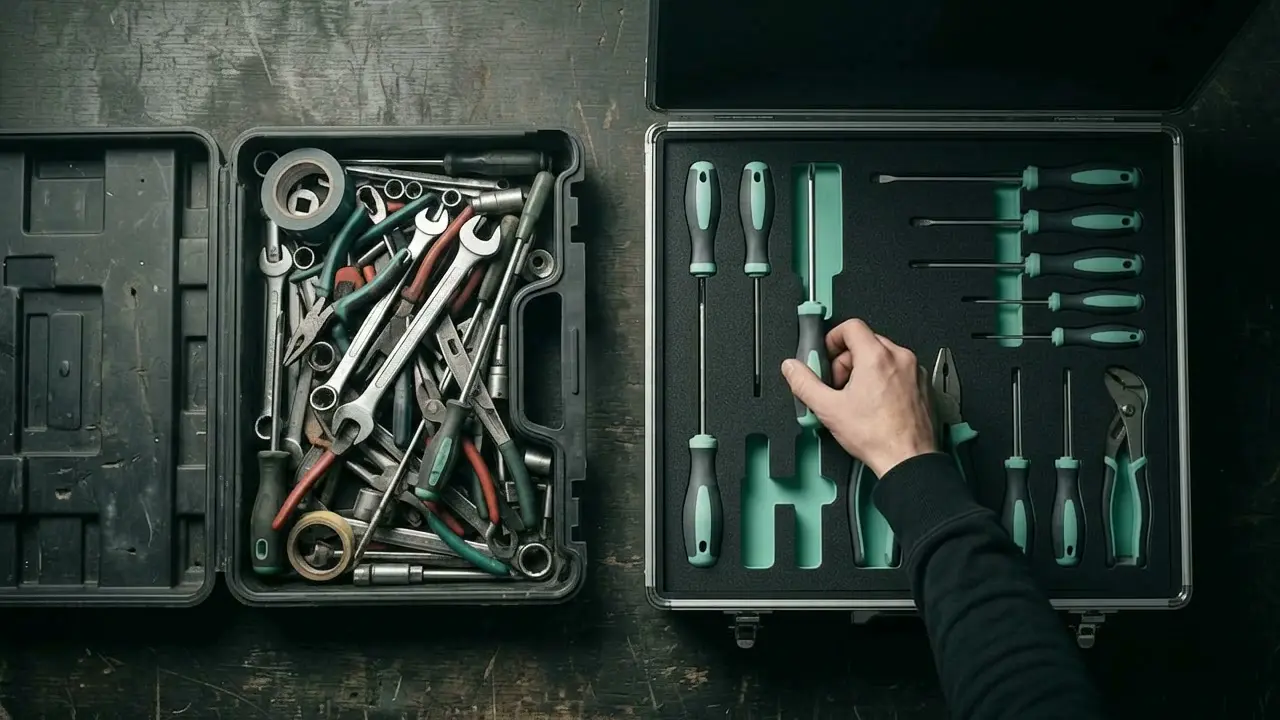
In short: Ready-made trade software is the right choice if your business works the way the program expects. A custom solution is worth it if you have workflows of your own, maintain several programs side by side or want to deal with your customers under your own name. Often the best route is a third one: connecting the programs you already have.
What ready-made software does well
Programs for trade businesses cover the usual tasks: quotes, invoices, time recording, job scheduling. They are quick to set up, the costs are predictable, and the vendor takes care of updates and changes in the law. For a business that wants to move away from Word and Excel and has no special requirements, this is usually the most sensible first step.
Where it reaches its limits
The limit rarely shows on day one, but after a few months:
- Your workflow does not fit the mould, so you end up keeping a list on the side again.
- Two programs do not talk to each other, and someone types data in twice.
- You pay per user, even though three fitters only upload photos.
- Your customers see the vendor's logo instead of your own.
- Website and marketing run in a completely different system.
Each of these points is bearable on its own. Together they cost hours every week.
When a solution of your own is worth it
The more often you answer yes to the following questions, the more it is worth talking about custom software.
- Do you have workflows that no program on the market handles properly?
- Do you maintain the same data in more than one program?
- Do you still keep lists in Excel or on paper despite having software?
- Should customers see quotes, appointments and documents under your name?
- Does office work regularly cost you your evening or your weekend?
The middle way: connect instead of replace
Custom does not mean building everything from scratch. Often the accounting stays as it is, and so does the calendar. Only the piece in between is new: an integration, which passes the finished job on to invoicing, or an assistant that enters enquiries into your existing program. This route is often the cheapest, because it only starts where time is being lost today.
How the costs differ
| Question | Ready-made software | Custom solution |
|---|---|---|
| Getting started | Low, ready to use at once | Higher, first stage follows planning |
| Ongoing | Monthly fee, often per user | Support and operation |
| Customisation | What the vendor offers | What your business needs |
| Look and feel | The vendor's brand | Your own branding |
Actual figures depend on the scope and can only be given responsibly once the workflows are known. Whichever route you take, make sure your data belongs to you and can be exported.
How to make the decision
For one week, note down where time is lost in the office. Then check whether a ready-made program solves exactly those points. If it does, take it. If not, it is worth talking about what can be connected or purpose-built. You can see what that looks like in everyday work under Example workflows.
Frequently asked questions
Is custom software too expensive for a small business?
It costs more at the start than a subscription. In return, you do not pay per user or for features you never use. The key is to build in stages and begin with the workflow that takes the most time.
Can I switch from off-the-shelf software later?
Yes, if your data can be exported. Check this before you choose a program: you should be able to get customers, items, quotes and invoices out as a file.
What happens if the developer is no longer available?
Before the project starts, agree in writing who owns the source code, where it is kept and how you get at your data. Proper documentation is part of the project.